
AI Age Filter for Realistic Age Progression
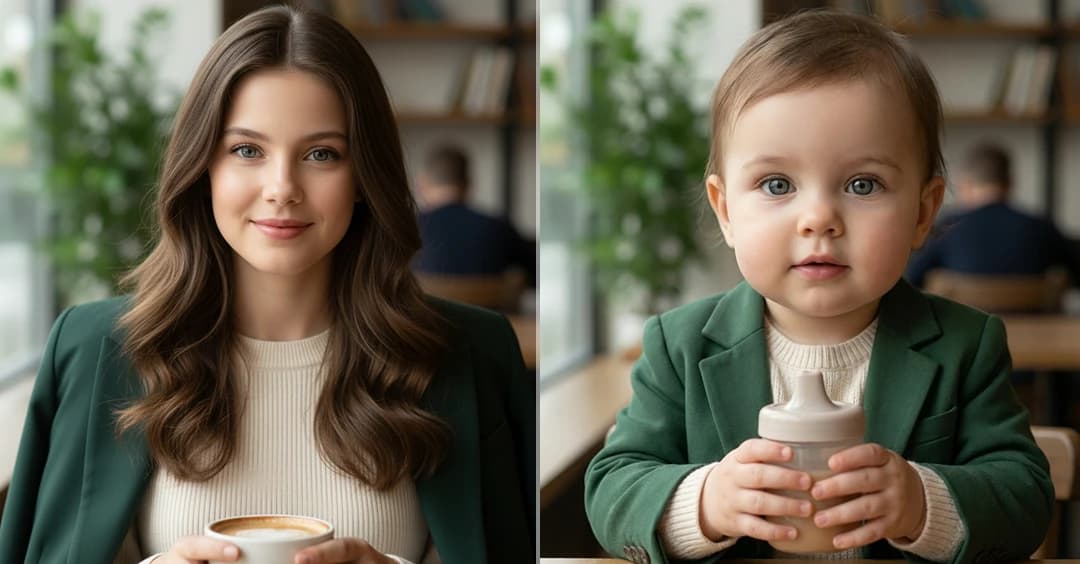
Upload a photo and explore AI age progress across different stages of life. See your face look younger or older with smooth, natural changes that still look like you.
Drag & Drop An Image, Or Click To Select
Supported Formats: JPG, PNG
Max Size: 20MB
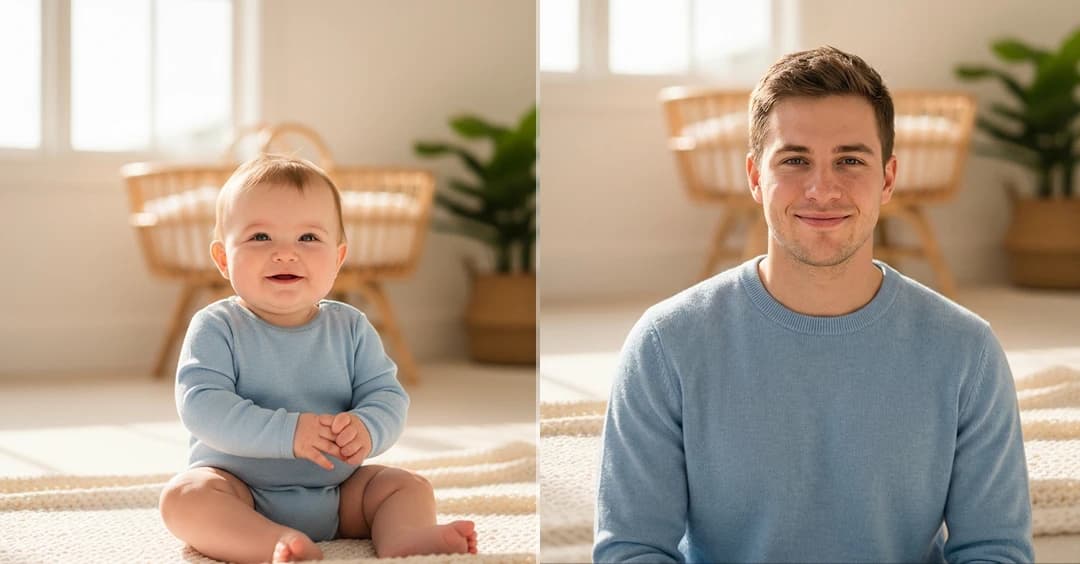
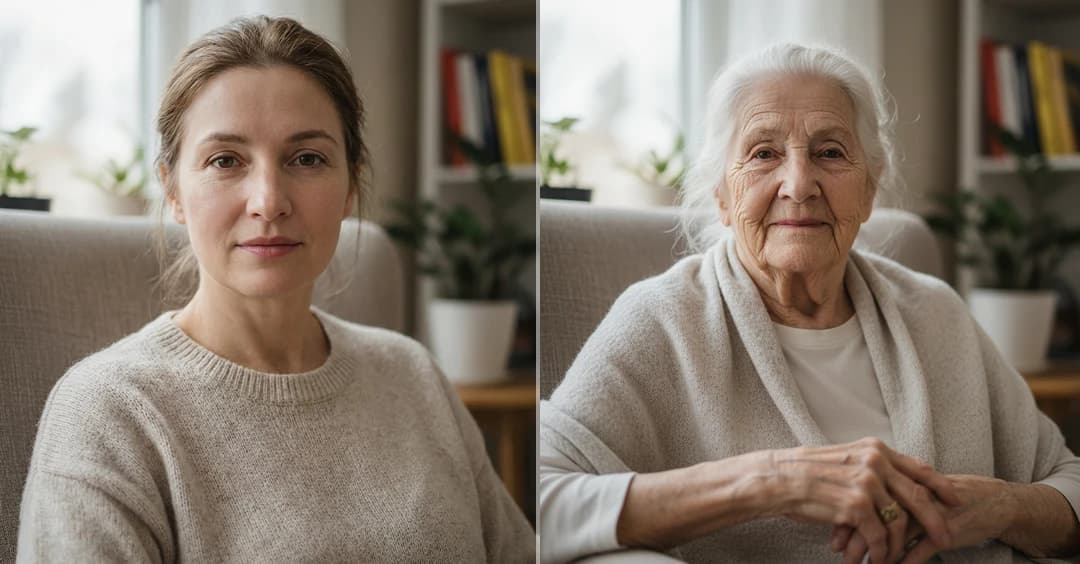
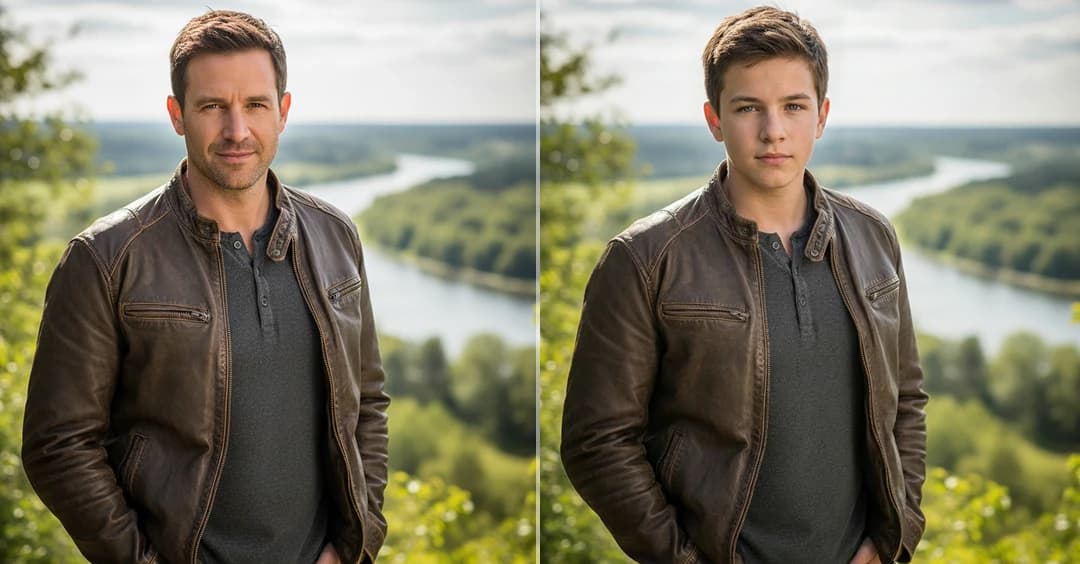
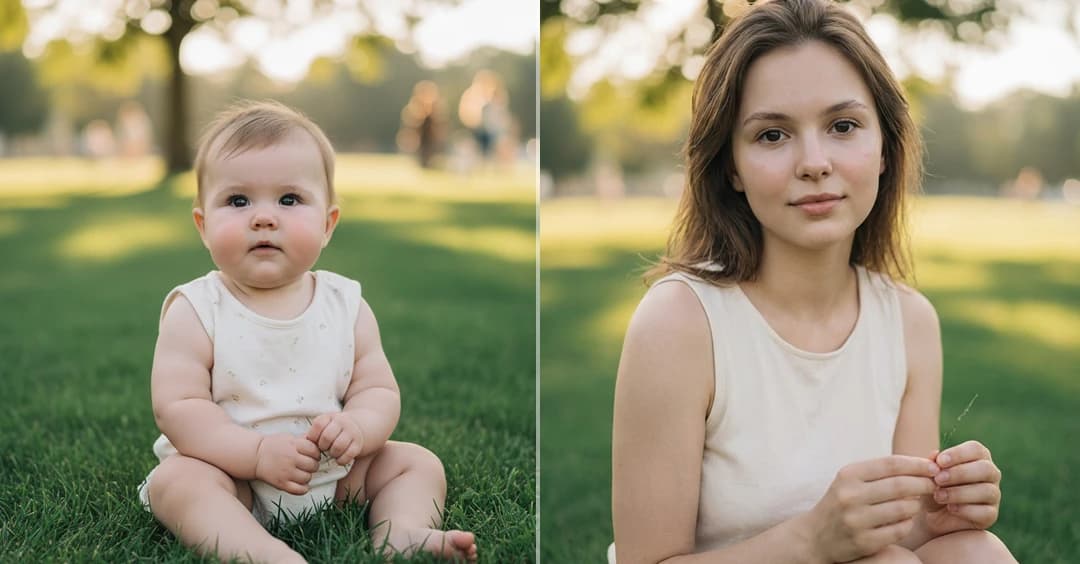
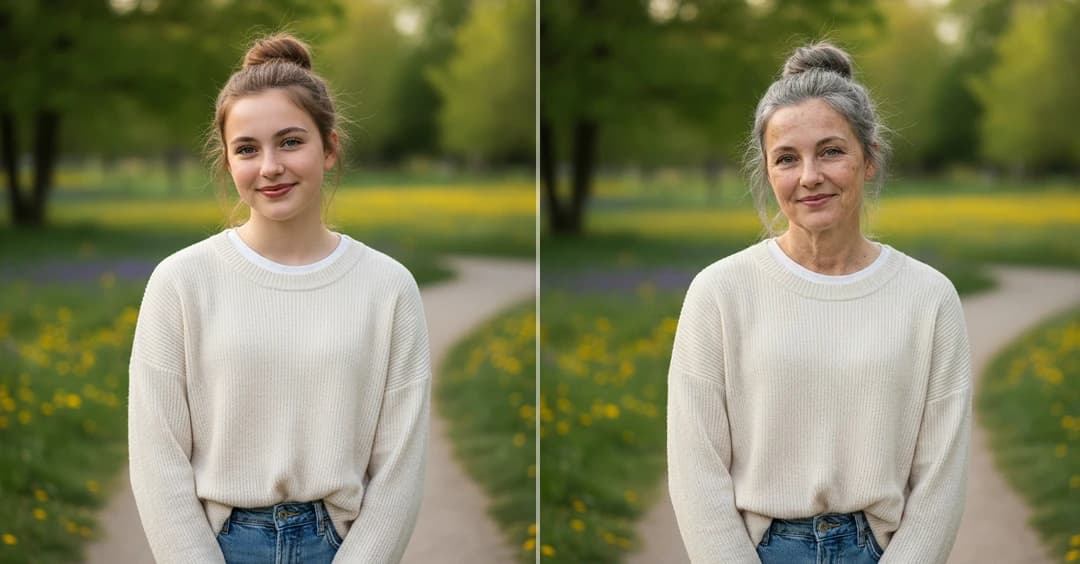
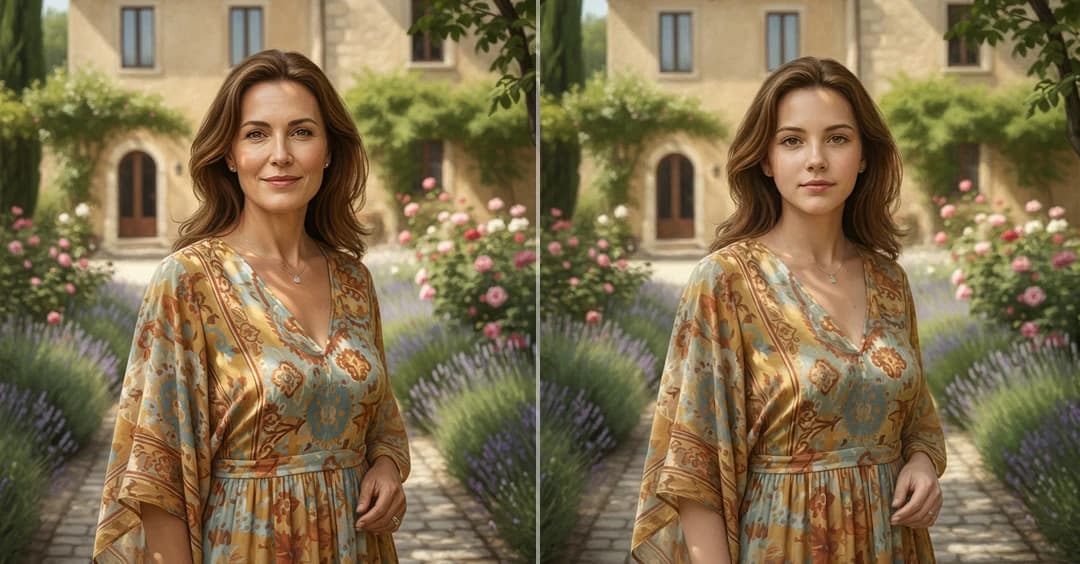
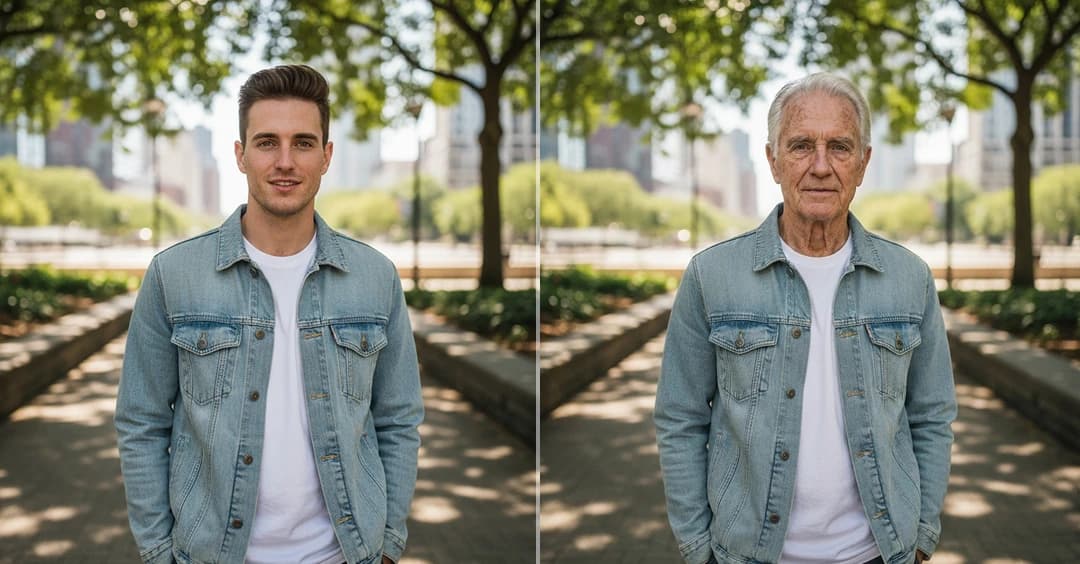
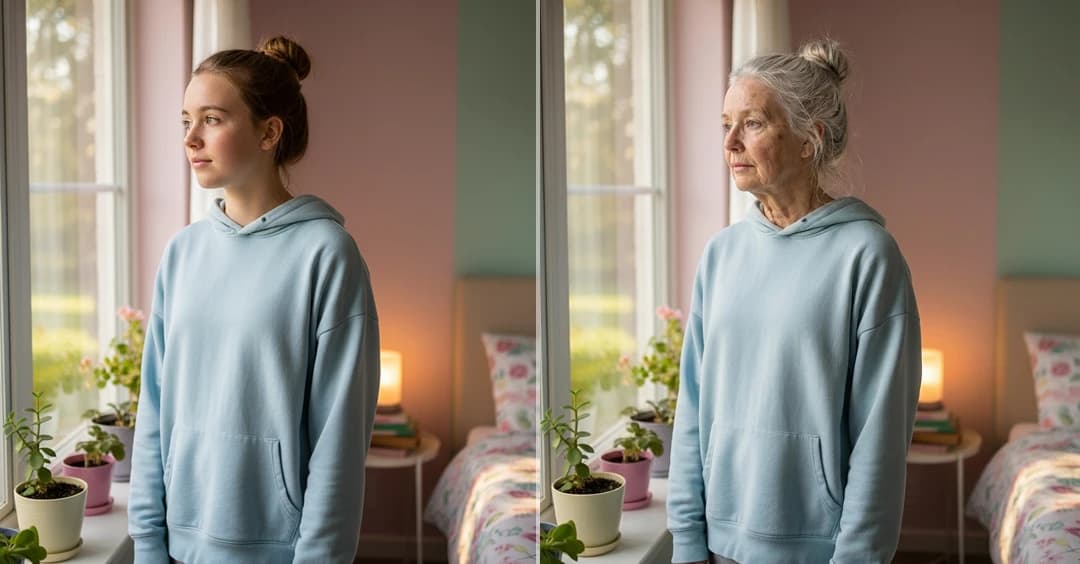

How to use AI Age Filter
Upload Image
Choose a clear photo of your face to get the best results. The AI uses your image as the base for age transformation.
Select Age Range & Generate
Pick the age range you want to explore. The AI processes your photo and creates realistic age-based changes.
Preview & Download
View your transformed image, compare different ages, and download the result when you’re happy with how it looks.
Key Feature of the AI Age Filter
Natural Age-Based Face Changes
View realistic visual changes based on age, including skin texture and facial details. The transformation looks smooth and believable while keeping your face familiar.
- Natural skin and facial detail updates
- Smooth, realistic transitions powered by AI
- Your face stays recognizable at every age
Younger and Older Appearance Views
Instantly explore how your face may look at different ages with our AI age filter. Switch between younger and older versions with consistent lighting and balanced results.
- Quick switch between age looks
- Clear and balanced face details
- Instant visual preview
Age Range Exploration
Select different age ranges to explore AI age progress over time. The tool focuses on visual AI age progression instead of exact future prediction, keeping results realistic and easy to understand.
- Easy age range selection
- Smooth and natural age progress
- Visual simulation, not prediction
Face Identity Consistency
Your main facial structure stays consistent across all age views. The AI age filter applies age effects carefully without changing your core look or expressions.
- Core face shape stays the same
- Natural expressions remain
- Only age-related changes are applied
Why Choose Us
Natural AI Age Progression
Our system focuses on realistic AI age progression, showing smooth facial changes that look believable across different ages instead of extreme effects.
Accurate AI Age Filter Results
The AI age filter carefully updates age-related details like skin and facial structure while keeping your original look clear and familiar.
Smooth Age Progress Visualization
With built-in AI age progress, you can explore how your face changes step by step, helping you understand age changes visually rather than guessing the future.
Balanced & Consistent Output
Each age filter result is refined for smooth transitions, consistent lighting, and natural detail, so every age version feels realistic and easy to trust.
Privacy-Focused Image Processing
Your photos are used only to generate age-based transformations. The AI processes images securely and does not alter identity beyond age-related visual changes.
Easy Comparison Across Ages
The AI age filter makes it simple to compare different age versions side by side. This helps you clearly see how facial features change gradually over time instead of jumping between extremes.
What People Say About Us
The results felt real, not overdone
I’ve tested a few age tools, but this one impressed me. The changes were smooth and my face still looked like me.
Simple to use and the results make sense
I uploaded a photo, picked an age, and got a clear result right away. It was interesting to see how my face could change over time.
This looked more natural than I expected
What stood out was how my facial features stayed consistent. It really felt like different stages of the same person.
Fun to try and easy to share
I tried a few age ranges and shared the results with friends. Everyone said it looked believable and clean.
Frequently Asked Questions
See Your Face Changes with AI Age Progression
Use our AI Age Filter to explore age progression from your photo and view realistic younger and older versions with smooth, natural results.